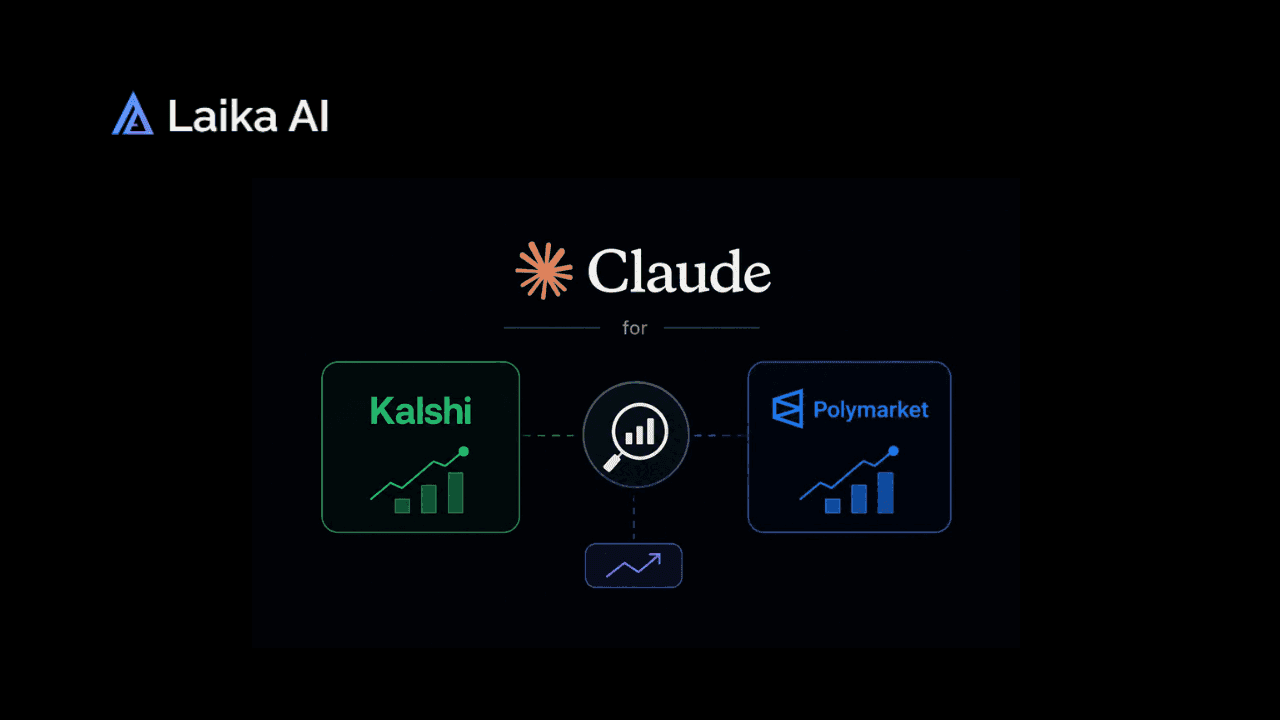
Most guides on how to use claude for trading jump straight to code API keys, order execution, a script running while you sleep. That's a real use case, and a fine one. It's also not what most traders actually need on a Tuesday afternoon when they're staring at a Kalshi contract and trying to decide if the price makes sense.
This guide covers the other use case: prompting Claude to research, question, and stress-test a trade before you place it, no automation involved. Learning how to use claude for trading this way takes minutes, not a weekend of setup. If you do eventually want the technical version, How to Automate Polymarket Trading Using a Claude Bot covers building an actual bot in detail. This piece is about something narrower and, for most people, more immediately useful.
What Claude Actually Can and Can't Do Here
Set expectations first. Claude doesn't have live access to Kalshi or Polymarket prices on its own, not unless it's connected to a tool that fetches current data. Ask it cold what a specific contract is trading at right now and it genuinely can't tell you, accurately, without that connection. It also can't place a trade, manage a position, or take any action inside either platform by itself.
What it can do well is reasoning. Feed it the details of a market, the resolution criteria, recent news, your own read on the situation, and it can help you find holes in your thinking, ask questions you hadn't considered, or lay out both sides of an argument more evenhandedly than you might on your own. Anthropic's usage policy on high-risk use cases classifies financial advice this way specifically, not banned, meaning Claude is built to hand you information and analysis rather than confident, personalized "buy this" recommendations. That distinction matters more than it sounds like it should for how you should actually use the tool.
Prompting Claude to Stress-Test a Trade
The single most useful thing you can do with Claude here isn't asking "should I buy this" but asking it to argue against your position specifically. Lay out why you like a trade, then ask Claude to build the strongest possible case for the other side. If it can't find much, that's a mildly encouraging sign. If it finds a lot, you've just saved yourself from a mistake before it cost you anything.
This kind of structured self-doubt is exactly the muscle most losing traders never build, and it's covered in more depth in Trading Polymarket Wrong? Avoid These Mistakes, which walks through the reasoning failures that show up over and over in real trading history. A prompt as simple as "here's my thesis, now argue the opposite as convincingly as you can" does most of the work.
Claude vs a Claude Trading Bot: Two Different Tools
It is worth being explicit about the difference, since the two get conflated constantly. Using Claude for analysis means a conversation: you describe a market, ask questions, get reasoning back, and decide what to do yourself. Building a Claude trading bot means writing code that calls Claude's API programmatically, often on a schedule, sometimes with permission to place trades automatically based on what the model outputs.
The skill floor is completely different. Analysis requires nothing beyond knowing how to ask a good question. A bot requires actual software development, API credentials, error handling for when things go wrong, and a much higher tolerance for things breaking at 3am while real money is at risk. If you're not sure which one you actually want, you probably want analysis first, with the technical bot guide waiting for later once you've proven the reasoning approach works for you manually.
Kalshi AI Tools and Base Rates
A prediction market ai tool, Claude included, is only as useful as the base rates you feed it or ask it to find. A Kalshi contract trading at 70% isn't inherently right or wrong. The real question is whether 70% matches the actual historical frequency of similar events, and that's exactly the kind of comparison Claude is decent at helping you construct, provided you give it enough real information to work with rather than asking it to guess from nothing.
Academic research on Kalshi's own markets backs this up in an interesting way: calibration varies significantly by category. Fed rate decisions have shown near-perfect calibration historically, while employment data markets have shown the weakest, with more systematic mispricing. That's useful context before assuming every kalshi ai generated summary or every raw market price is equally trustworthy just because it's a real market with real money behind it. Kalshi's own research and methodology documentation goes deeper into how the platform itself thinks about forecasting accuracy, worth reading directly if you want the primary source rather than a summary.→ Try Laika Chatbot at https://laikalabs.ai/app/chatbot
Claude vs Laika: Reasoning Partner vs Dedicated Market Dashboard
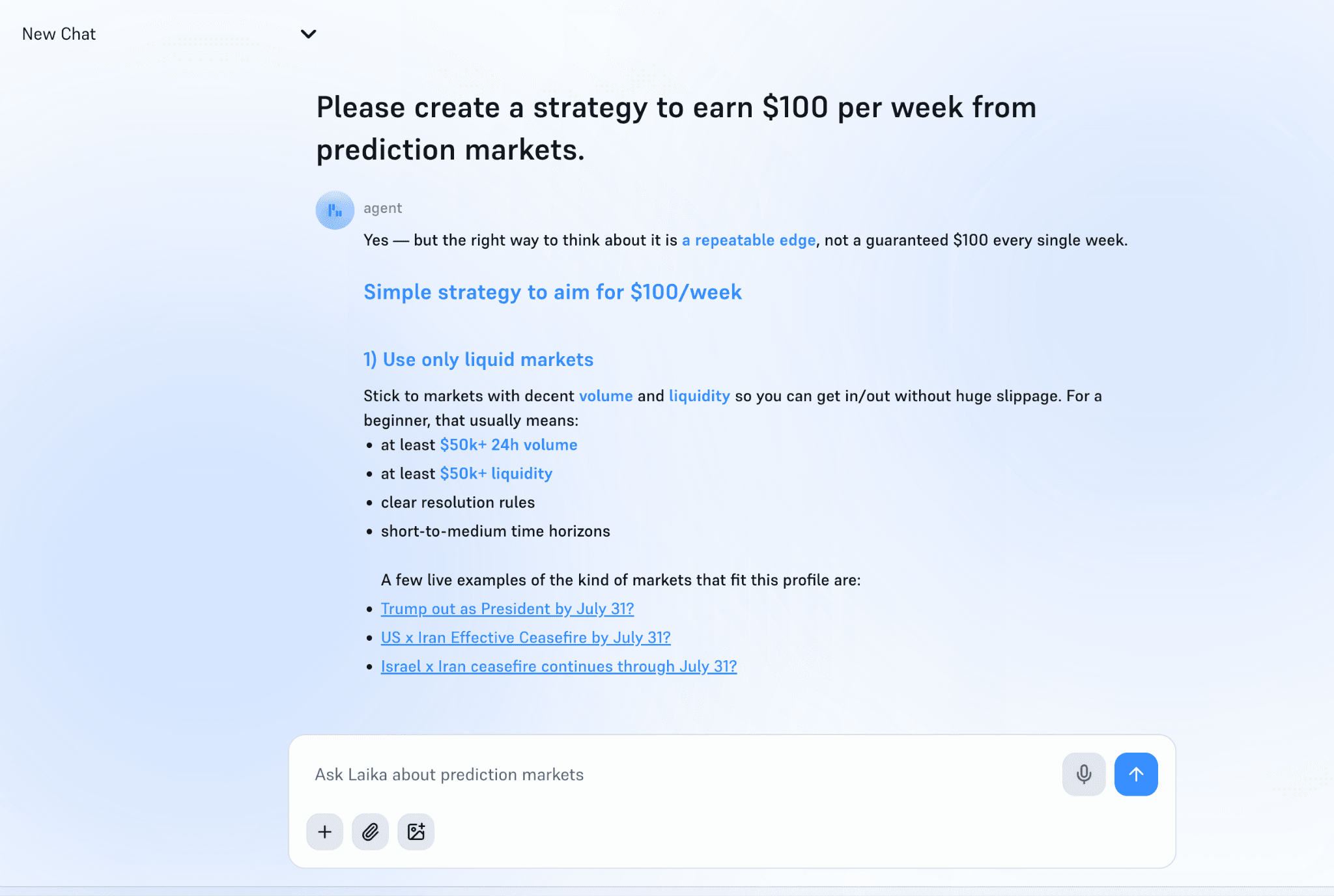
Claude and Laika solve different problems, and mixing them up leads to disappointment either way. Claude is a general-purpose reasoning tool you bring your own market data to. Laika is a dedicated prediction market analytics platform, tracking Polymarket, Kalshi, and several smaller venues like Limitless and Manifold, built specifically to surface live prices and probability shifts across platforms at once.
If you need to actually see current prices across five markets and three platforms at once, Laika is built for that job and Claude isn't. If you already have the numbers in front of you and need help thinking clearly about what they mean, that's exactly Claude's strength. Using both together, Laika for the data, Claude for the reasoning, is a genuinely reasonable workflow rather than picking one over the other.What Laika actually does that's worth knowing specifically
- We cover 18,000+ active Polymarket markets simultaneously across politics, crypto, economics, entertainment, and sports (NFL, NBA, UFC, MLB, Premier League, F1). Claude has no standing view of any of that unless you paste it market by market.
- We read live news and filter it against your specific positions and watchlist, so instead of you scanning headlines to figure out what's relevant, it only surfaces the ones that actually touch a market you're in. That's a genuinely different workflow than asking Claude "does this news matter to my trade," which requires you to already know the news exists.
- We generate edge scores and position-level insights, backtested monthly against resolved markets for accuracy. That backtesting loop matters: Laika can tell you its own historical hit rate on past calls. Claude has no equivalent self-scoring mechanism, since it isn't tracking a running position book to grade itself against.
Common Biases Claude Can Help You Catch
Confirmation bias is the obvious one, but it's far from the only pattern worth watching for. Recency bias shows up constantly in prediction markets, where a market overreacts to the last headline instead of weighing the full base rate. Anchoring shows up too, where traders get stuck on an earlier price and struggle to update even when new information clearly justifies a different number.
Common Biases in Prediction Markets (And How to Exploit Them for Profit) covers a fuller list of these patterns, and Claude is a reasonably effective tool for catching them in your own thinking specifically, since it has no attachment to a position and no ego riding on being right. Ask it directly: "does my reasoning here show any of these biases?" and describe your thought process. It won't catch everything, but it catches more than you'd expect.
A Simple Stress-Test Prompt Framework
A repeatable structure beats a one-off clever prompt. Try something like this before sizing any real position: state your thesis in one sentence, list the three strongest pieces of evidence supporting it, then ask Claude to independently generate the three strongest pieces of evidence against it. Compare the two lists honestly.
Run your own payout math alongside this too, since reasoning about probability and reasoning about position size are separate skills. Kalshi's payout calculator and Polymarket's payout calculator handle the arithmetic; Claude is better suited to the argument itself than the multiplication.
Is It Safe to Rely on Claude's Probability Estimates?
Not on their own, no, and treating any single source, human or AI, as the final word on a probability estimate is a mistake regardless of how good that source is. Claude ai polymarket kalshi analysis works best as one input among several, cross-checked against the market price itself, your own research, and ideally a second independent source before real money moves. Any prediction market ai tool, Claude included, should earn trust incrementally rather than being treated as reliable from the first answer it gives you.
The traders who actually make money consistently in this space tend to share a specific trait: skepticism toward any single confident-sounding source, including their own gut instinct. How to Think Like the 3% of Polymarket Traders Who Are Actually Profitable covers that mindset in more depth, and it applies just as much to an AI generated argument as it does to a hot tip from a friend. Anyone still working out how to use claude for trading responsibly should treat that skepticism as the actual skill worth building, more than any specific prompt.
The Bottom Line
Claude prediction market analysis is genuinely useful, but it's a reasoning tool, not an oracle and not an execution engine. Use it to stress-test your own thinking, catch biases you might miss on your own, and build a clearer picture of whether a market price actually makes sense against real base rates. That's true whether you're pairing it with a dedicated Kalshi ai dashboard or just working from the numbers in front of you.
Don't expect it to know a live price without help, place a trade for you, or replace the discipline of actually verifying claims before you act on them.
If you're still getting comfortable with prediction markets generally before adding any AI tool into the mix, What Are Prediction Markets and How Do They Work? is worth reading first.
And if Kalshi specifically is still new territory, How Does Kalshi Work? A Complete Beginner's Guide covers the basics this piece assumes you already know.
FAQ
Do I need to know how to code to use Claude for Kalshi or Polymarket?
No. Using Claude for research and reasoning requires nothing beyond a normal conversation, describing a market and asking questions. Coding only becomes necessary if you want to build an automated bot that connects to Claude's API and executes trades programmatically, which is a separate, more advanced use case. Most people learning how to use claude for trading research never need to write a single line of code.
Can Claude tell me current Kalshi or Polymarket prices on its own?
Not reliably, unless it's connected to a tool that fetches live data. Without that connection, Claude has no way to know a contract's current price and shouldn't be trusted to guess accurately. Always verify current prices directly on Kalshi or Polymarket before making any decision based on them.
What's the difference between using Claude for analysis versus building a Claude trading bot?
Analysis is conversational: you provide market details and get reasoning back, then decide what to do yourself. A trading bot is software that calls Claude's API programmatically, sometimes automatically placing trades based on the model's output. Analysis requires no technical skill; building a bot requires real development work and careful risk management.
Can Claude place trades for me?
No. Claude has no native ability to place trades on Kalshi, Polymarket, or any other platform. Trading only happens if a developer builds a custom integration connecting Claude's output to a platform's trading API, and even then, a human is generally expected to remain involved given how Anthropic classifies financial use cases.
How do I prompt Claude to stress-test a prediction market trade?
State your thesis clearly, then explicitly ask Claude to argue the strongest possible case against it, independent of your own reasoning. Follow up by asking whether your thinking shows any common biases, like recency bias or anchoring to an earlier price. Comparing both sides honestly is more valuable than asking Claude to simply validate a decision you've already made.
Is it safe to rely on Claude's probability estimates for real money decisions?
Not on its own. Claude's analysis is a useful input, not a final answer, and should be cross-checked against the actual market price, independent research, and ideally another source before you commit real money. Treating any single tool, including Claude, as authoritative is the same mistake regardless of which tool it is.