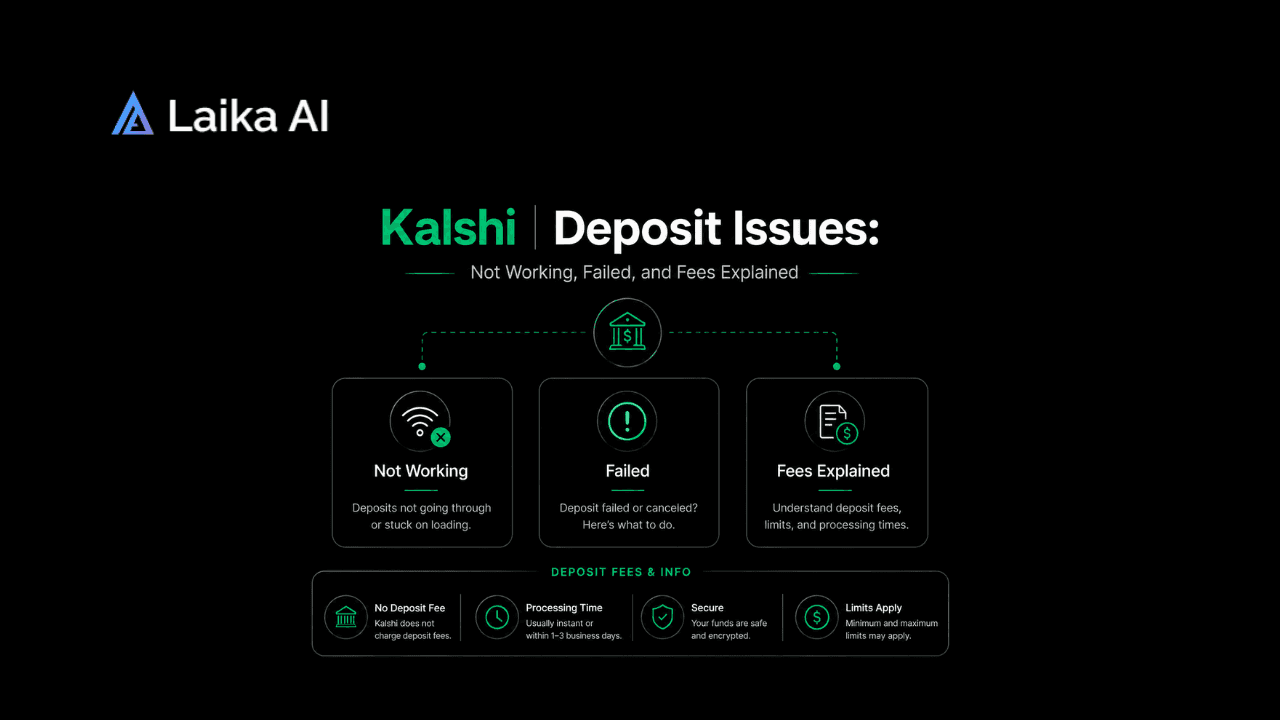
Short version, before the full breakdown: most Kalshi deposits not working complaints come down to one of two things. Either your card or bank flagged the transaction for a reason that's fixable in a few minutes, like a billing address mismatch, or Kalshi's own systems slowed down under heavy traffic and your money is genuinely still on its way. Both situations look identical from inside the app: a deposit that says failed, or one that just never shows up. They are not the same problem, and they don't call for the same fix.
This guide walks through the specific reasons a Kalshi deposit fails, what to do if your bank already released the funds but your balance never moved, a full comparison of deposit methods and fees, and when it's actually worth contacting support instead of just waiting. If you're still getting comfortable with the basics of how Kalshi works as a platform, that context helps, but you don't need it to fix a stuck deposit today.
Why a Kalshi Deposit Fails or Doesn't Show Up
Kalshi's own transfers help documentation lists a handful of recurring causes, and they line up closely with what shows up in user complaints. Here's each one, and what actually fixes it.
Card details entered incorrectly
A single mistyped digit in the card number, expiration date, or CVV will bounce the transaction before it even reaches your bank. Double-check by re-entering the card manually instead of relying on autofill, which occasionally pulls a stale saved card.
Billing address mismatch
This is a common one and easy to miss. If the address tied to your card doesn't match the address you gave Kalshi during identity verification, the deposit gets rejected outright rather than flagged for review. That verification step exists because Kalshi is a CFTC-regulated exchange, not a casual app, so the address check is stricter than what you'd run into on, say, a food delivery app. Go into your account settings and confirm the two addresses are identical, down to abbreviations like "St." versus "Street," since some processors treat those as a mismatch.
3D Secure authentication not completed
Many card issuers require a one-time passcode or in-app confirmation for online payments. If that verification step times out or you close the window before finishing it, the deposit fails silently on Kalshi's end even though nothing is actually charged. Watch for a text, push notification, or banking app prompt right after you submit the deposit.
Your bank or card issuer is blocking it directly
Some banks flag deposits to prediction market platforms the same way they'd flag an unfamiliar international wire or a crypto exchange, purely out of caution. Kalshi can't override this from its side. Calling your bank's fraud line and confirming you intended the transaction usually clears it, and subsequent deposits tend to go through without issue once that first one is on record.
Platform-side slowdowns during high-traffic periods
This is the one that's easy to mistake for something wrong on your end, and it's real. During major events, deposit processing can back up enough that funds leave your bank before your Kalshi balance updates. More on this below, since it has a well-documented precedent.
A few smaller, less obvious causes
A couple of smaller, less obvious causes are worth knowing too. If you're funding through a bank account rather than a card, make sure the account is actually in your own name, since Kalshi requires that for verification purposes and will delay or reject deposits from third-party accounts. And if you've recently linked a new bank account, the last four digits Kalshi shows you might not match what's printed on your actual account, because some banks use a tokenized account number that masks the real one for security. That's expected behavior, not a sign anything's wrong.
My Deposit Says Failed, But the Money Already Left My Bank
This exact scenario has already happened at scale, so it's worth walking through what happened and how it was resolved.
During Super Bowl weekend in February 2026, Kalshi saw a genuine traffic spike that its deposit systems weren't sized for. Users reported deposits pulled from their bank accounts that never appeared in their Kalshi balance, some for over an hour. Co-founder Luana Lopes Lara addressed it directly on X, saying deposits were delayed because of traffic volume and that the money was safe and simply slower to land. A day later, she confirmed Kalshi had reimbursed processing fees on the affected deposits and added account credits for users who experienced the delays.
The takeaway isn't "trust every excuse a platform gives you." It's that this specific failure mode, money debited on your end with no matching credit on Kalshi's end, has a real precedent tied to a known, documented event, not a made-up excuse. If you're in that situation
- Check Kalshi's status page or a third-party tracker like Downdetector to see if others are reporting the same issue right now.
- Confirm in your banking app whether the charge is a completed debit or still shown as pending, since a pending charge that later drops off means no money ever actually moved.
- Give it a few hours before assuming the funds are gone. Kalshi's help center notes that a deposit showing as declined on their end sometimes appears as "pending" or "refunded" on your bank statement rather than a true charge, and that status clears on its own within a day or two.
- If the charge is confirmed and settled, and it's been more than 24 hours with nothing in your balance, that's when it's time to contact support directly rather than keep waiting.
A separate full-platform outage in August 2025 followed a similar pattern: a traffic-driven slowdown rather than lost funds. Kalshi has generally made users whole in both known incidents, but "generally" isn't a guarantee, which is exactly why checking status pages before panicking, and contacting support after a reasonable wait, are both worth doing in order.
Deposit Methods, Fees, and Processing Times Compared
Kalshi supports four deposit paths: ACH bank transfer, debit card (including Apple Pay and Google Pay), wire transfer, and crypto through its payment partner Zero Hash. Each behaves differently enough that picking the wrong one for your situation is a common, avoidable source of frustration.
ACH is the cheapest option by a wide margin and the one Kalshi itself points new users toward, but it's also the slowest to fully clear. Kalshi often credits part of an ACH deposit immediately so you're not locked out of trading while the rest settles, with the exact split depending on your account history. Debit card deposits cost more but land almost immediately, which matters if you're trying to catch a specific market before it moves. Wire transfers make sense mainly for larger, one-off deposits given the $1,000 floor. Crypto sits in between: fast and fee-free on Kalshi's side, but you're exposed to whatever the underlying blockchain is charging that day.
None of these fees exist in a vacuum, either. If you're deciding between Kalshi and a competing platform partly on cost, the full Kalshi vs Polymarket fee comparison lays out trading fees on both sides too, not just deposit costs, which usually matters more to your bottom line over time than a one-time 2% card charge.
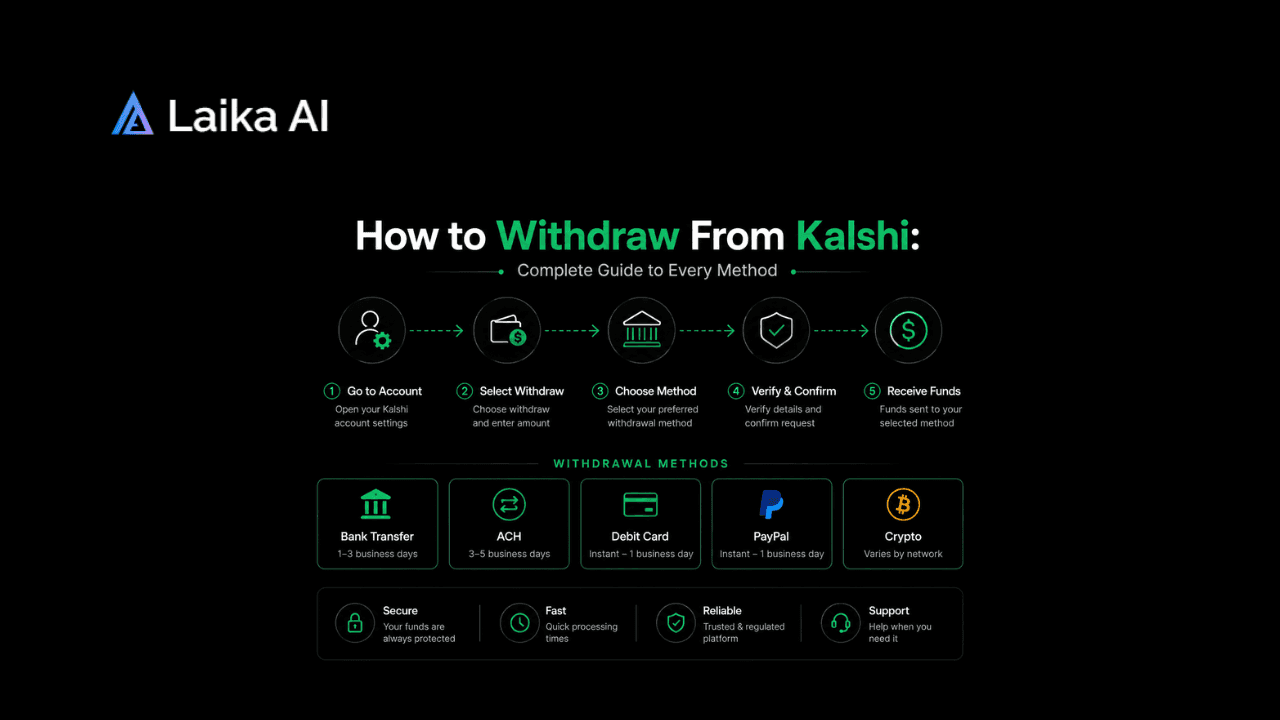
Worth noting separately: newly deposited funds aren't automatically eligible for withdrawal the moment they land. Kalshi applies a short security hold that varies by deposit method, and the hold period is longer for debit card and crypto deposits than for ACH, since those methods carry more chargeback risk on Kalshi's end. That's a different issue from a failed deposit, but it gets confused with one often enough to mention here. If you've successfully deposited but can't immediately withdraw or move funds around, that's covered in full in our guide on how to withdraw from Kalshi.
International Deposit Restrictions
If you're funding a Kalshi account from outside the US, ACH bank transfers aren't available to you at all, since that rail only connects to US bank accounts. International users are limited to debit card, crypto, or wire transfer. Practically speaking, that means international accounts skip the cheapest deposit option entirely and either eat the card processing fee, deal with a $1,000 wire minimum, or go the crypto route.
This also explains a pattern that shows up a lot in support threads from outside the US: someone assumes their bank deposit failed because they can't find the ACH option at all, when in reality it was never available to them in the first place. Confirming your account's country setting before troubleshooting anything else saves a step. For a broader look at where Kalshi does and doesn't operate, our guide on Kalshi's legal status by country breaks down current availability outside the US.
When to Wait It Out vs. Contact Kalshi Support
Not every deposit issue needs a support ticket, and filing one too early usually just means waiting in a queue for an answer you'd have gotten anyway by checking a status page.
Here's roughly how long each situation tends to take before it resolves on its own, versus when waiting stops making sense:
Wait it out if
- A status tracker shows a broad, ongoing outage affecting many users, not just you
- Your bank shows the charge as pending rather than fully settled
- It's been less than a few hours since a known high-traffic event, like a major sports Sunday
Contact support if
- The charge has fully cleared your bank, it's been over 24 hours, and your Kalshi balance still hasn't updated
- You've confirmed with your bank that nothing is blocking the transaction on their end
- You're seeing an error message that doesn't match any of the common causes above
One distinction worth making before you reach out: a stuck deposit and a stuck withdrawal aren't the same support ticket, and the fixes look different once money is already in your account rather than trying to get there. If it's actually a withdrawal that won't go through, our guide to fixing Kalshi withdrawal issues fast covers those causes separately.
When you do reach out about a deposit, Kalshi's support messenger inside the logged-in app tends to resolve things faster than email, mainly because the support team can pull up your account details directly rather than working from a description alone.
Frequently Asked Questions
Why is my Kalshi deposit not working?
Most of the time it's one of a few things: a billing address that doesn't match your Kalshi account, an incomplete 3D Secure verification step, your card issuer flagging the transaction, or Kalshi's own systems running slow during a high-traffic period. Checking which one applies usually takes less time than it sounds.
Why did my Kalshi deposit fail?
A deposit typically fails for a reason on your end, like mismatched billing information or a mistyped card number, or because your bank declined it outright. It's less commonly a Kalshi-side problem, though the February 2026 Super Bowl weekend showed that platform-side delays under heavy traffic can produce the exact same "failed" appearance even when the deposit eventually completes.
What is the minimum deposit on Kalshi?
The Kalshi minimum deposit is $10 for ACH bank transfers, debit card, Apple Pay, and Google Pay. Wire transfers require $1,000. Crypto deposits don't have a fixed floor, though very small amounts often aren't worth it once network fees are factored in.
What are Kalshi's deposit fees?
ACH bank transfers and wire transfers are free. Debit card deposits, including Apple Pay and Google Pay, carry a processing fee of up to 2%. Kalshi itself doesn't charge for crypto deposits, though its third-party processor may pass along network fees, which get disclosed before the transaction completes.
Is there a deposit limit on Kalshi?
Kalshi doesn't publish a single hard cap on deposits, but limits can vary by verification level and deposit method, and very large transfers, particularly wires, may prompt additional review before they clear. If you're planning an unusually large deposit, reaching out to support beforehand tends to avoid delays.
Why was my Kalshi deposit declined?
A decline almost always originates with your card issuer or bank rather than Kalshi, often triggered by fraud-prevention systems that aren't used to seeing a charge to a prediction market platform. Calling your bank directly and confirming the transaction was intentional resolves it in most cases, and it typically doesn't recur once that first deposit has cleared.