If you have ever stared at a pending Polymarket withdrawal wondering where your USDC went, you are not alone. Withdrawal and deposit issues are consistently the most common complaints in Polymarket's Discord, Reddit threads, and support queues. Most of them have straightforward explanations and straightforward fixes, but only if you understand how Polymarket's payment infrastructure actually works.
This guide covers every deposit and withdrawal issue that affects real Polymarket users in 2026, including what changed after Polymarket's April 28, 2026 exchange upgrade, why transactions get stuck, what the actual fees are, and how to fix the most common problems without contacting support.
How Polymarket Deposits and Withdrawals Actually Work
Understanding the mechanics removes most of the confusion before any problem even happens.
Polymarket runs entirely on the Polygon blockchain. Polygon is a Layer-2 scaling network built on top of Ethereum. It is fast, with transactions confirming in seconds, and cheap, with gas fees typically under $0.01 per transaction. Every deposit goes into Polymarket's smart contracts on Polygon. Every withdrawal comes out of those same smart contracts back to your wallet.
Polymarket only accepts USDC. Not ETH, not Bitcoin, not MATIC, and not any other token. Just USDC on the Polygon network. This is the single most important thing to understand before you ever send money anywhere near Polymarket.
After the April 28, 2026 exchange upgrade, Polymarket introduced pUSD as the platform's internal collateral token. pUSD is a standard ERC-20 token on Polygon backed 1:1 by USDC. The backing is enforced on-chain by the smart contract, meaning one pUSD always converts back to one USDC with no fees. For most users, nothing changes day to day. You deposit, you see a balance, you trade, you withdraw. pUSD is the technical layer underneath and the conversion is automatic.
When you withdraw from Polymarket, pUSD is unwrapped to USDC via the Collateral Offramp and swapped through a Uniswap v3 pool. The platform enforces a maximum 0.10% slippage on output amount. This means if the Uniswap pool has insufficient liquidity at the moment of your withdrawal, the transaction can fail or be delayed.
The gas token on Polygon is POL, previously known as MATIC. You need a small amount of POL in your connected wallet to pay for any Polygon transaction, including withdrawals. Without it, no transaction can be processed regardless of how much USDC you hold. A balance of 0.1 to 1 POL covers thousands of transactions and is essential to keep in your wallet at all times.
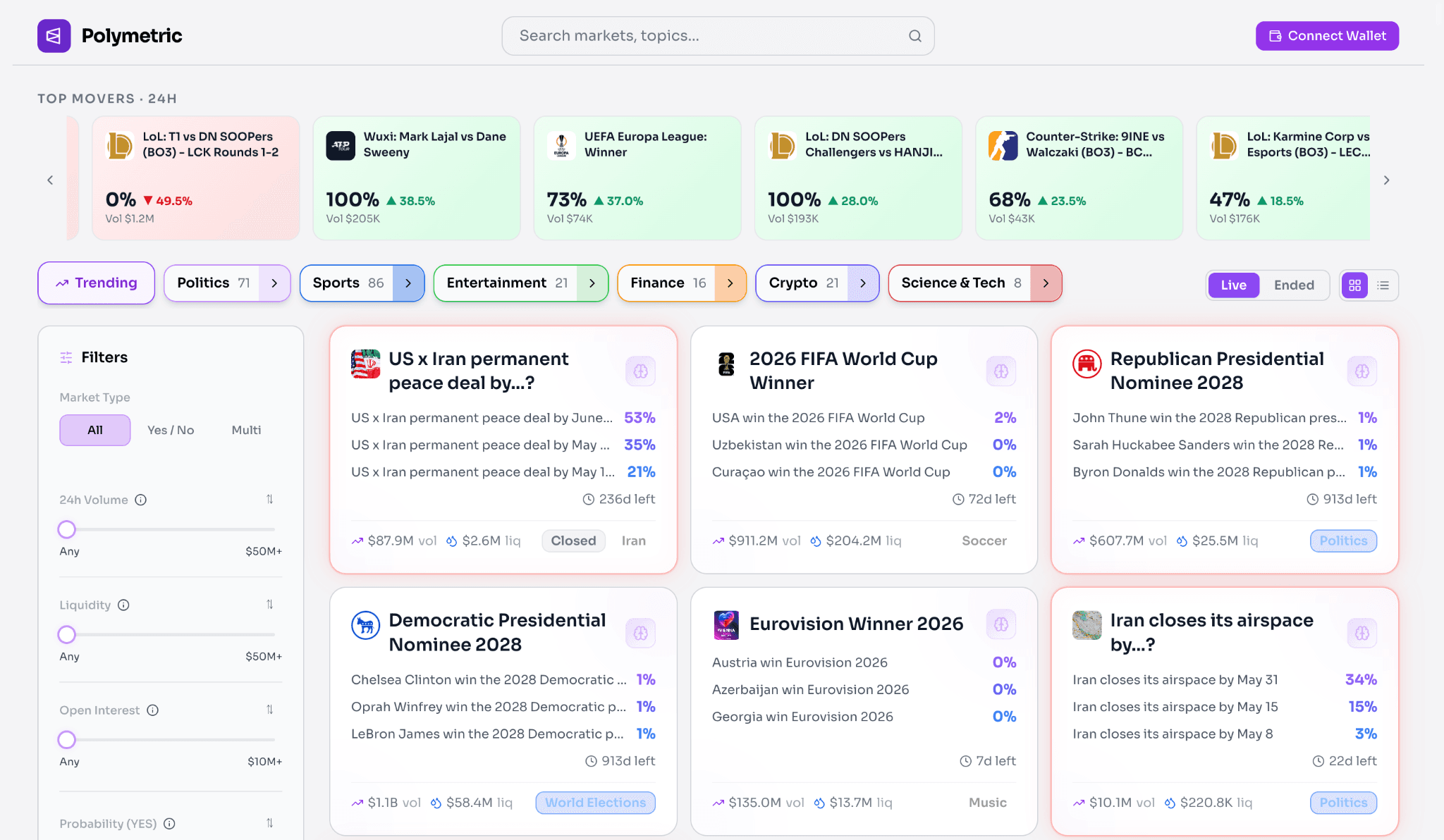
If you trade on Polymarket, LaikaLabs.ai is built to help you move faster and make sharper decisions with real-time AI-powered analytics and market intelligence.
Instead of manually tracking wallets, market probabilities, and breaking narratives, Laika turns Polymarket’s public on-chain data into actionable signals traders can actually use.
With LaikaLabs.ai, you get
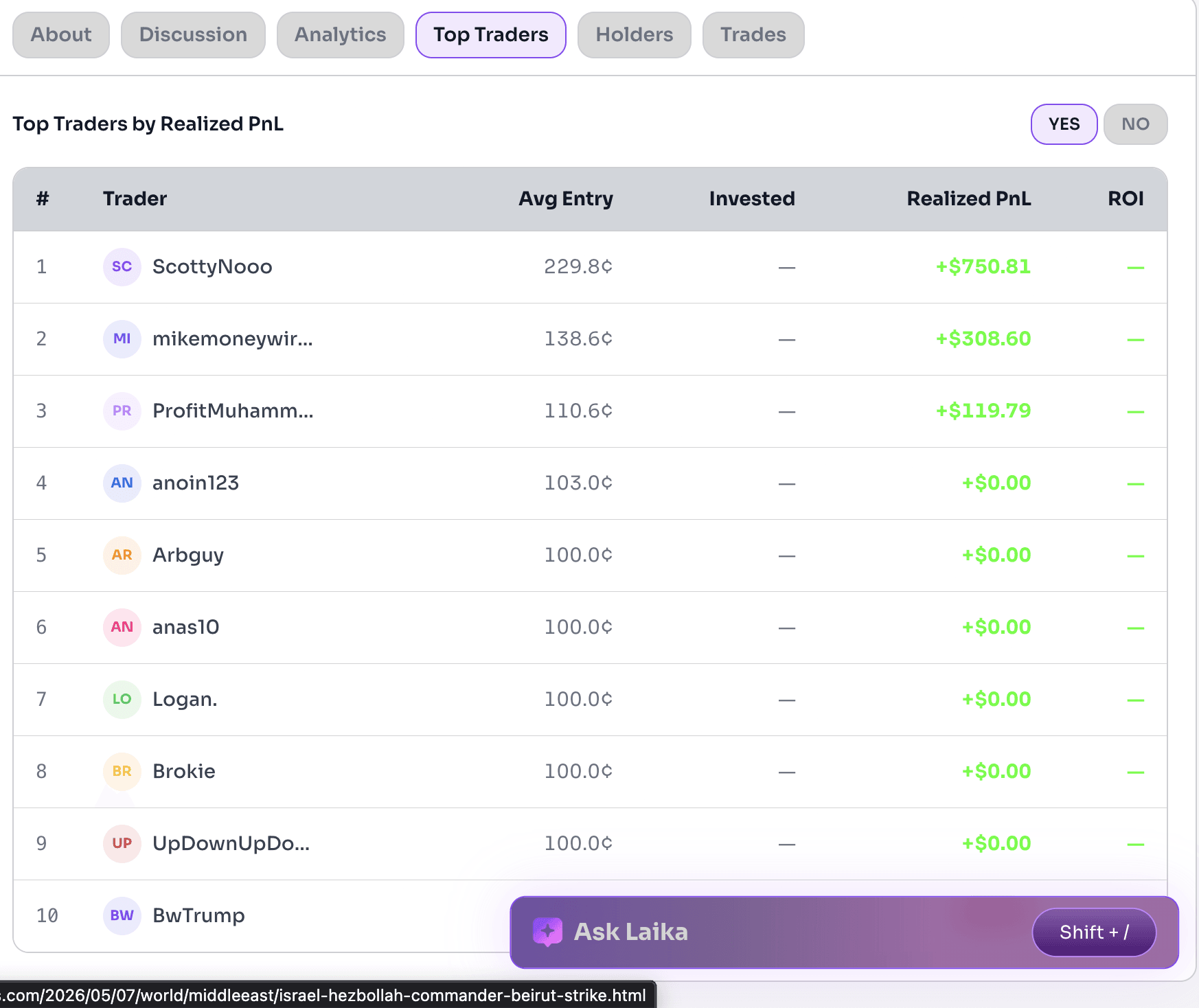
- Real-time whale tracking — see when high-performing wallets make major moves before the crowd reacts
- AI-generated market research — instant analysis, probability breakdowns, and narrative context for any active market
- Pro market screener — filter markets by liquidity, volume, momentum, and edge signals to uncover high-conviction opportunities
- Position-aware news feed — stay updated with headlines tailored to your watchlist and open positions
- Odds shift monitoring — detect sharp probability changes and understand what’s driving them in real time
Whether you’re actively trading events, politics, crypto, or macro markets, LaikaLabs.ai gives you the tools to track smarter, react earlier, and stay ahead of the market.
The April 28, 2026 Exchange Upgrade and Its Impact
Polymarket rolled out a major exchange upgrade on April 28, 2026 that changed how withdrawals, deposits, and the overall platform infrastructure work. Understanding this upgrade explains why some users encountered issues immediately around that date.
Trading was paused for approximately one hour starting at 11:00 UTC on April 28, 2026. All existing order books were cleared during the maintenance window. Users who had open orders before the upgrade needed to re-place them after the cutover.
The most significant change for ordinary users was the transition to pUSD as the collateral token. The first time any user traded after the upgrade, they saw a one-time approval prompt asking them to convert their USDC balance to pUSD and approve the new exchange contracts. This is a standard on-chain approval transaction that costs a tiny amount of POL for gas.
The upgrade also fixed one of the most persistent sources of failed transactions on the old platform. The new architecture specifically reduces balance-check race conditions and nonce invalidation issues that caused most failed trades on the previous version. If you experienced frequent failed transactions before April 28, those specific failure modes should be resolved.
Fees are now charged in USDC instead of being baked into share counts, making the true cost of each trade visible in your transaction history rather than hidden in the mathematics of your position size.
Most Common Polymarket Withdrawal Problems
Withdrawal Showing as Pending
A pending withdrawal on Polymarket almost always means one of three things.
The first is insufficient POL for gas. Your wallet does not have enough POL to pay the Polygon network fee. The transaction is stuck at the broadcast stage because it cannot pay to move. Check your wallet's POL balance. If it shows zero or a fraction of a cent, that is the problem.
The second is Uniswap pool exhaustion. When you withdraw, Polymarket converts pUSD to native USDC through a Uniswap v3 pool. If this pool is temporarily exhausted due to high withdrawal volume, your transaction either fails or sits pending until the pool rebalances. Polymarket's own documentation explicitly acknowledges this and recommends breaking large withdrawals into smaller amounts or waiting for the pool to rebalance.
The third is Polygon network congestion. Polygon processes transactions in order of gas fees offered. During peak activity, higher-fee transactions process first. A withdrawal submitted with minimum gas during high congestion can wait in the mempool until congestion clears.
Withdrawal Failed Outright
A failed withdrawal transaction differs from a pending one. Failed means the transaction was submitted to the blockchain, consumed a small amount of gas, and was rejected rather than confirmed.
The most common causes of failed withdrawals after the April 28 upgrade are wallet approval issues, meaning the user has not completed the one-time pUSD approval prompt required by the new contracts, and slippage tolerance violations, meaning the Uniswap pool moved beyond the 0.10% output tolerance during the transaction.
If your withdrawal failed and you cannot identify the cause, check Polygonscan by searching your wallet address. The failed transaction will appear in your transaction history with a failure reason attached.
USDC Not Received After Withdrawal
This is the most alarming experience but usually has a benign explanation. After a confirmed on-chain withdrawal from Polymarket, USDC arrives in your connected wallet on the Polygon network. It does not automatically appear on Ethereum mainnet or on any centralised exchange.
If you do not see your USDC, open your wallet and confirm you are viewing the Polygon network, not Ethereum mainnet. Many wallets including MetaMask default to showing Ethereum. Switch to Polygon Mainnet in your wallet's network settings and look for USDC in your token list.
If USDC does not appear even on Polygon, check the transaction on Polygonscan. Paste your withdrawal transaction hash into polygonscan.com and verify that the destination address matches your wallet address exactly. A single incorrect character in the destination address means funds are unrecoverable.
Wallet Not Connecting
Wallet connection failures on Polymarket typically stem from one of four causes: browser extension conflicts where multiple wallet extensions are installed and interfering with each other, outdated wallet software that does not recognise the updated smart contracts post-April 28 upgrade, network mismatch where your wallet is connected to Ethereum mainnet rather than Polygon, or cached site data causing the Polymarket site to display an outdated connection state.
The fix sequence is: clear browser cache for polymarket.com, disconnect and reconnect your wallet, confirm your wallet is set to Polygon Mainnet, and ensure your wallet extension is running the latest version.
Deposit Not Appearing
Deposits from a centralised exchange typically take one to ten minutes to appear on Polymarket after the Polygon transaction confirms. If you send USDC from Coinbase, Binance, or Kraken using the Polygon network, the transaction will be visible on Polygonscan immediately after it broadcasts. Check there first.
Polymarket Withdrawal Time
On Polygon, transaction confirmations happen in one to five seconds under normal conditions. A straightforward Polymarket withdrawal that goes directly to your connected wallet is almost always complete within 30 seconds.
The timeline gets longer when fiat conversion is involved. The full path from Polymarket payout to cash in your bank account looks like this:
The blockchain steps are fast. The delay is always in the fiat conversion and banking layer, which operates on traditional business day schedules and has nothing to do with Polymarket's infrastructure.
The fastest complete route from Polymarket payout to fiat is: withdraw to Coinbase using Polygon network, sell USDC for USD on Coinbase, initiate ACH withdrawal to your bank. Total elapsed time is typically 1 to 2 business days.
How to Fix Polymarket Withdrawal Issues
If Your Withdrawal Is Pending
Check your POL balance first. If your wallet shows zero POL, you cannot execute any Polygon transaction. Buy a small amount of POL on any major exchange and withdraw it to Polygon. Even $2 worth covers hundreds of transactions.
If you have POL but the transaction is still pending, check Polygonscan for your wallet address and look at the pending transactions tab. If the transaction has been pending for more than 30 minutes, it may have stalled due to low gas pricing. Some wallets allow you to speed up a pending transaction by resubmitting it with a higher gas price.
If the Uniswap Pool Is Exhausted
Polymarket's withdrawal documentation says explicitly: break your withdrawal into smaller amounts or wait for the pool to rebalance. If you are withdrawing $10,000 and the transaction keeps failing, try withdrawing in five $2,000 chunks. Alternatively, you can withdraw pUSD directly without going through the Uniswap conversion, though you should verify that your receiving exchange or wallet accepts pUSD deposits before using this option.
If Your Wallet Is Not Connecting
Disconnect your wallet from Polymarket entirely. Clear the site cache in your browser settings. Switch your wallet to Polygon Mainnet if it is on another network. Reconnect from scratch. If using MetaMask, disable other wallet extensions temporarily to eliminate extension conflicts.
If issues persist, try a different browser or use the Polymarket mobile interface. WalletConnect is supported and can sometimes resolve desktop extension issues by allowing connection through a QR code scan from your phone.
If You Sent Funds to the Wrong Network
If you send USDC from an exchange using the Ethereum mainnet instead of Polygon, those funds are sitting on Ethereum at your wallet address. They are not lost. Open your wallet, switch to the Ethereum network, and your USDC should appear. You can then bridge those funds from Ethereum to Polygon using the official Polygon bridge at wallet.polygon.technology, or use a cross-chain bridge like Circle's CCTP. Note that Ethereum bridge transactions take approximately three hours and cost $5 to $15 in gas.
Common Community Complaints and What They Actually Mean
Reddit threads and Discord conversations about Polymarket withdrawal issues cluster around a few recurring themes that are worth understanding as signals rather than problems.
The most frequently repeated complaint is USDC not appearing after withdrawal. In almost every documented case, the root cause is the user viewing their wallet on the Ethereum network rather than Polygon. Switching the network view resolves it without any actual fund movement.
The second most common complaint is the withdrawal transaction failing after the April 28, 2026 upgrade. Most of these cases involve users who have not yet completed the one-time pUSD approval prompt. The approval prompt appears the first time you interact with the upgraded contracts. Dismissing it or skipping it means subsequent transactions fail. Completing it once resolves the issue permanently.
Transaction speed complaints usually surface during periods of high Polygon network activity. Polygon handles far more transactions per second than Ethereum, but it is not immune to congestion during major events. During high-volume prediction market moments such as election results or major sports finals, withdrawal processing can slow from the typical one to five seconds to one to three minutes.
Expert Tips for Avoiding Withdrawal Problems
Keep 0.5 to 1 POL in your wallet at all times. This is the single most impactful habit. Run out of POL and every Polygon transaction stops. A dollar worth of POL purchased and sitting in your wallet eliminates the most common source of stuck withdrawals.
Always verify the network before sending anywhere. Before every deposit from an exchange and before every withdrawal to an exchange, confirm the network label on both ends says Polygon. A single wrong network selection means a bridge transaction, additional fees, and a three-hour wait at minimum.
Break large withdrawals into smaller amounts. For any withdrawal above $10,000, use multiple transactions. The Uniswap pool that converts pUSD to USDC has finite depth at any moment. Large single withdrawals are more likely to hit slippage tolerance limits and fail.
Use Polygonscan for any transaction you cannot see. Paste your wallet address into polygonscan.com whenever you are unsure about a transaction status. Polygonscan shows every confirmed and pending transaction associated with your address, including the exact status and failure reason for any failed transaction.
Complete the pUSD approval prompt. After the April 28, 2026 upgrade, the first interaction with Polymarket's new contracts requires a one-time approval. Do not skip it. It is a small gas fee with no impact on your USDC balance. Completing it prevents failures on all subsequent transactions.
Avoid withdrawing during high-traffic events. If a major election result is being announced or a significant sports championship just resolved, thousands of traders are withdrawing simultaneously. Waiting two to four hours after peak resolution activity typically means faster processing and lower slippage.
Frequently Asked Questions
Why is my Polymarket withdrawal pending?
A pending Polymarket withdrawal is almost always caused by one of three things: insufficient POL in your wallet to pay Polygon gas fees, a temporary exhaustion of the Uniswap v3 pool that converts pUSD to native USDC, or broader Polygon network congestion during peak activity periods. Check your POL balance first. If that is not the issue, try breaking the withdrawal into smaller amounts or waiting 30 to 60 minutes for pool liquidity to rebalance.
How long do Polymarket withdrawals take?
A standard Polymarket withdrawal to your connected wallet on Polygon confirms in under 30 seconds under normal network conditions. The full path to fiat in your bank account takes longer: one to five minutes to transfer USDC to a centralised exchange, 10 to 30 minutes for the exchange to process the deposit, and one to three business days for ACH bank transfer or one to two business days via SEPA. The blockchain portion is fast. The delay is always in the fiat banking layer.
Why did my USDC transfer fail?
USDC transfer failures after the April 28, 2026 upgrade are most commonly caused by skipping the one-time pUSD approval prompt, Uniswap pool slippage exceeding the 0.10% tolerance on large withdrawals, or insufficient POL for gas. Check Polygonscan with your transaction hash for the specific failure reason. The failed transaction detail page will show exactly why the contract rejected the transaction.
Does Polymarket charge withdrawal fees?
Polymarket charges no explicit withdrawal fee. The costs associated with withdrawals are Polygon gas fees (typically under $0.01 per transaction), Uniswap slippage on the pUSD-to-USDC conversion (capped at 0.10%), and any fees charged by your receiving exchange for processing a USDC deposit. Most major exchanges including Coinbase, Binance, and Kraken accept Polygon USDC deposits at no charge.