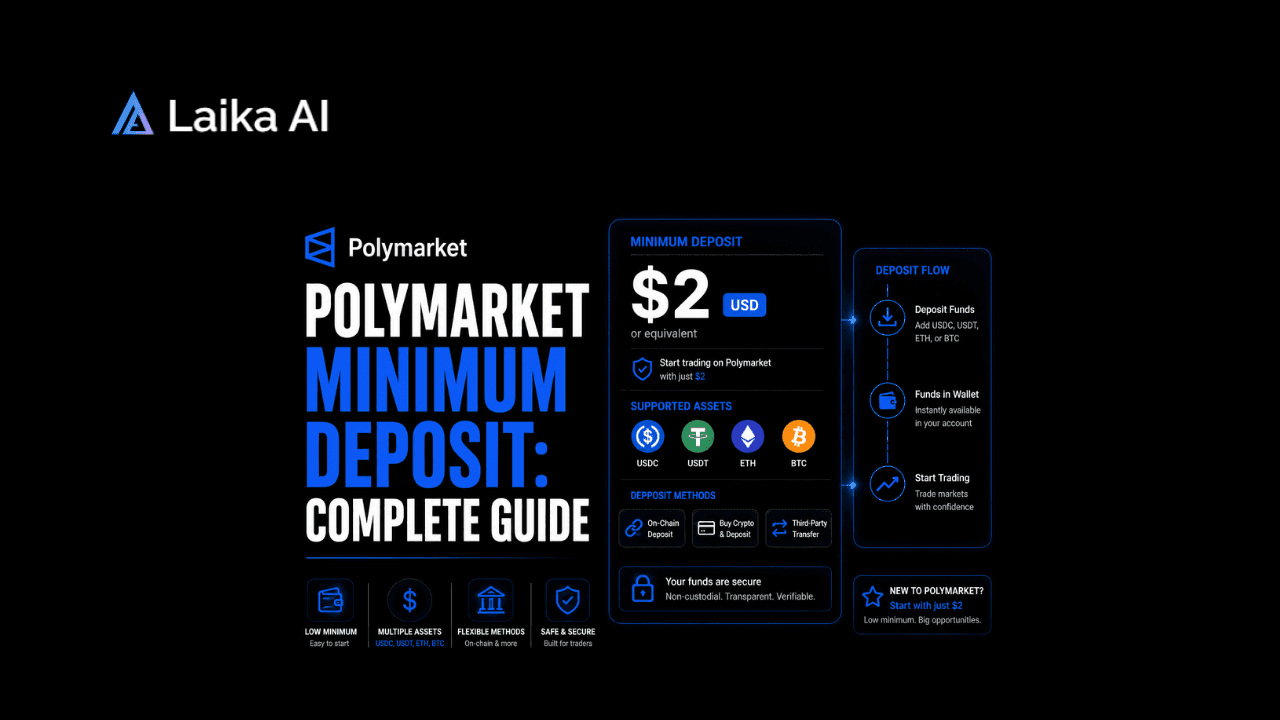
Ask five different guides what the Polymarket minimum deposit actually is, and you'll get five different numbers: $2, $3, $7, $9, $10, depending on which one you land on. That's not because any of them are lying to you. It's because Polymarket itself doesn't set one platform-wide minimum at all. The floor you actually hit depends entirely on which blockchain and which token you choose to fund with, and that number is pulled live from Polymarket's own bridge system rather than fixed anywhere in writing.
This guide breaks down where that variation actually comes from, walks through the deposit methods available, and gets into the bigger structural change most of those quick-answer articles skip past entirely: Polymarket recently moved its whole trading system onto its own dollar-pegged stablecoin?
What Is Polymarket's Minimum Deposit, Really?
Here's the technically accurate answer, and it's a little unsatisfying if you were hoping for one clean figure. Polymarket's own developer documentation exposes a live endpoint, the Bridge API's supported-assets list, and every supported token on every supported chain carries its own minCheckoutUsd value rather than one number applying everywhere. Depositing USDC directly on Polygon, for instance, currently checks out at a $2 floor through that same API, since Polygon is where Polymarket actually settles and there's no bridging step involved.
Move to a different chain, and that number climbs. Independent testing from several trading guides has landed on a fairly consistent pattern even though the exact dollar figures they report don't always match each other
Treat that table as directional rather than gospel. The numbers genuinely shift, Polymarket's own help documentation has referenced a $20 Ethereum threshold in one place and independent guides have clocked it closer to $7 or $10 elsewhere, and since the minimum is pulled from a live API rather than a fixed policy page, the safest move before sending anything is checking the deposit modal in your own account at the moment you're about to fund it.
Why the Minimum Varies by Chain and Token
The short version: it's about fees, not policy. Every chain has different gas costs, and bridging a deposit from, say, Ethereum into Polygon (where Polymarket's contracts actually live) costs more in raw transaction fees than doing the same thing from Polygon or Solana. Setting the checkout minimum high enough to comfortably outweigh that gas cost is what keeps a $2 deposit from silently getting eaten alive by network fees before it even reaches your balance.
That also explains why deposits below the posted threshold don't just fail outright; they sit in a pending state instead. Polymarket's help documentation is explicit that sub-minimum deposits remain unconfirmed until cumulative transfers to that same address cross the required line, which is a detail worth knowing before you panic over a deposit that appears to have vanished. If a transaction genuinely looks stuck rather than simply pending on a small amount, checking it directly on Polygonscan against your deposit address is the fastest way to confirm whether it actually landed on-chain.
How Polymarket's PUSD Migration Changed Funding?
The bigger story behind all of this, and the part most quick-answer articles skip entirely, is that Polymarket moved its underlying trading currency. For most of its history, USDC itself was the collateral sitting behind every position on the platform. That's no longer quite true.
Polymarket now runs on Polymarket PUSD, its own dollar-pegged stablecoin, issued and maintained by Polymarket directly and held 1:1 against the US dollar. Whatever you actually send in - USDC, USDT, ETH, BTC, SOL, HYPE, and roughly a dozen and a half other supported tokens across 22 assets in total gets automatically converted into PUSD the moment it lands on Polygon. You never manually convert anything, and contract pricing still runs exactly the same way it always has, from $0.01 to $0.99, settling at a full $1.00 for the winning side.
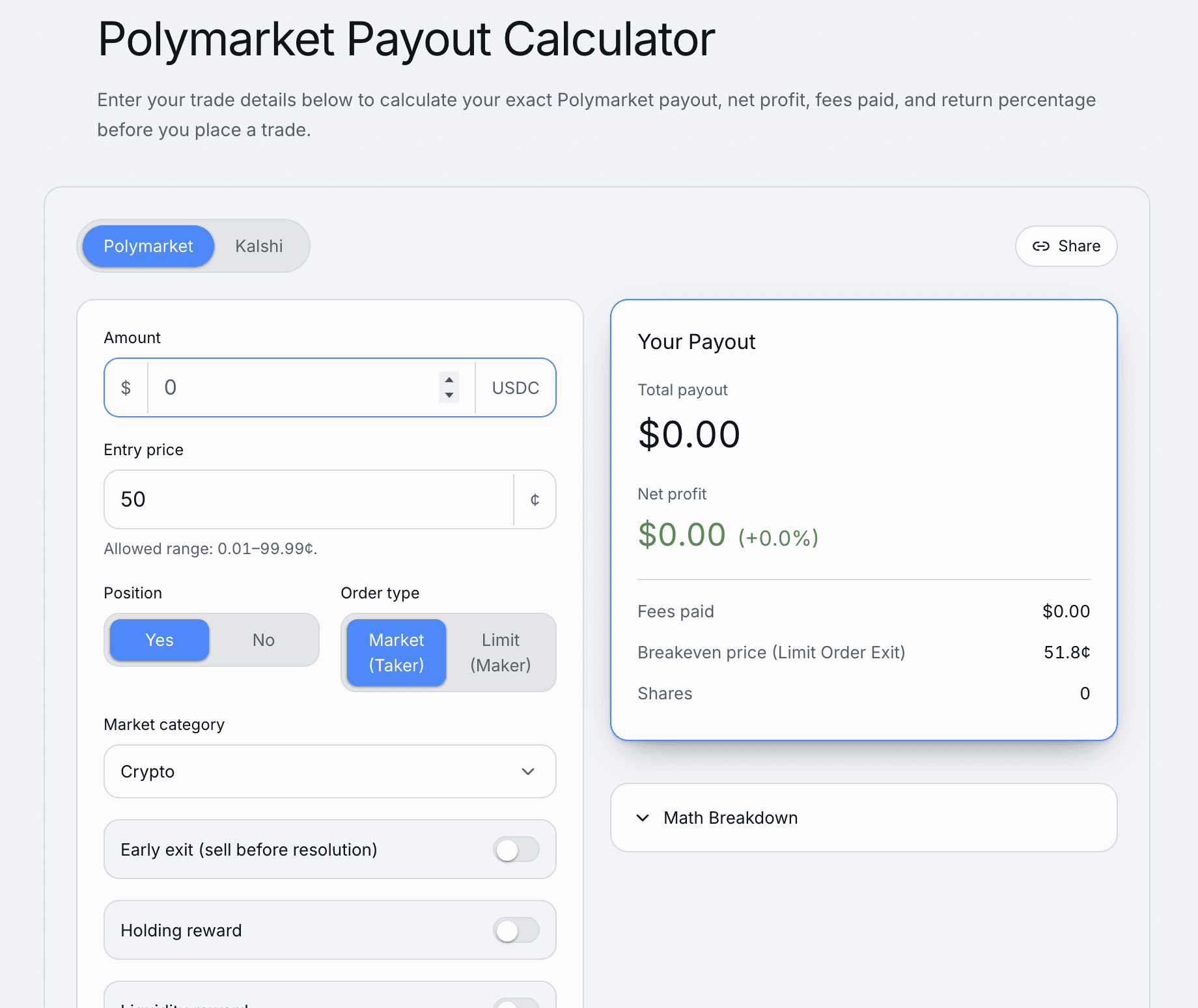
Practically, this changes almost nothing about the day-to-day deposit experience. You still pick a token, pick a chain, send funds, and watch your balance update. What does change is the fine print: if you're reading an older guide that talks about depositing USDC and holding USDC in your Polymarket balance, that's now technically inaccurate, since Polymarket USDC funds a deposit but doesn't sit natively in your account anymore once it arrives. Withdrawals still let you cash back out to USDC or another supported token whenever you want, so the migration is invisible on the way out too, just not identical to how the platform worked before.How much could your Polymarket position pay? Use the calculator to see your estimated payout, net profit, fees, and return percentage before putting money on the trade.
Deposit Methods on Polymarket
There are three real paths onto the platform, and they trade off convenience against cost pretty predictably.
- Direct crypto transfer. Send supported tokens straight from any wallet or exchange to your Polymarket deposit address. This is consistently the cheapest Polymarket deposit method option, since you're only paying standard network gas rather than any platform markup.
- Connect an exchange account. Linking a Coinbase account through Polymarket's secure connection lets you move funds without manually copying wallet addresses or worrying about which chain you're on. It's the more beginner-friendly route and typically lands within a couple of minutes.
- Card or cash on-ramp. Debit cards, Apple Pay, and similar options exist for people without existing crypto, usually processed through a third-party on-ramp partner. This is reliably the most expensive way in, since on-ramp providers charge their own conversion fees on top of whatever Polymarket's side costs.
If you're setting up a wallet for the first time specifically to make that initial deposit, How to Set Up Your First Polymarket Wallet Without Losing Your Funds on Fees walks through avoiding the most common first-timer mistakes before you send anything. And if you're still deciding which wallet actually to use as your funding source, Best Polymarket Wallets 2026: Top Options for Secure Trading compares the options people actually rely on.
The Cheapest Way to Fund Your Account
If minimizing cost is the whole goal, the pattern across every source lines up on this one: USDC on Polygon, sent as a direct crypto transfer, is close to as cheap as it gets. It sidesteps the higher Ethereum gas costs, avoids any card-processing markup, and lands at the lowest end of the minimum-deposit range most guides report.
Solana and other low-fee EVM chains run a close second, useful if that's where your funds already sit rather than something worth bridging into Polygon purely to save a dollar or two on fees.
Fees Beyond the Deposit Itself
The minimum deposit is only half the cost picture, and it's worth separating platform fees from network fees since they get lumped together a lot in casual reviews. Polymarket itself doesn't charge a deposit fee on top of what you're already sending; what you lose is purely network gas plus, if you're bridging from a chain other than Polygon, whatever the bridge itself costs to route the transaction across.
Where fees actually show up is on the trading side, not the funding side. Taker fees apply to most trades once your pUSD balance is in place, the same way they would on any prediction market or exchange, and that's a separate cost from anything discussed above. Card and on-ramp deposits carry their own markup too, on top of whatever your card issuer or on-ramp provider charges independently, which is the main reason that route consistently comes out most expensive across every guide that's compared the options directly.
One more cost worth flagging for first-time USDC depositors specifically: a handful of guides mention a one-off approval transaction the first time you deposit USDC from a new wallet, a small gas cost separate from the deposit itself that only happens once per wallet rather than on every transfer after that.
Polymarket vs. Kalshi: How Funding Compares
Worth knowing if you're weighing both platforms rather than committed to one: Kalshi runs its funding model completely differently, since it's a regulated exchange working through traditional bank rails and card processors rather than crypto-native bridging. That means Kalshi doesn't have the same chain-dependent minimum problem Polymarket does, but it comes with its own friction points. Kalshi Deposit Issues: Not Working, Failed, and Fees Explained covers the bank-transfer and card-decline problems that show up there instead of a stuck blockchain transaction. On the way back out, the two platforms diverge again, and How to Withdraw From Kalshi: Complete Guide to Every Method is worth a read if you're used to Polymarket's crypto withdrawals and expecting something similar.
Bottom Line
There's no single number that answers "what's the Polymarket minimum deposit?" The honest answer is that Polymarket itself doesn't impose one; the floor is set chain by chain and token by token through a live API, and it exists to cover network fees rather than to gatekeep small traders. Polygon and other low-cost chains sit around $2 to $3, Ethereum runs noticeably higher, and everything you send in now converts automatically into pUSD the moment it arrives. Check the actual number in your deposit modal before sending funds, since it's pulled live and genuinely does shift over time.
Frequently Asked Questions
What is the minimum deposit on Polymarket?
There's no single fixed amount. The minimum depends on which blockchain and token you deposit with, generally landing around $2 to $3 on low-fee chains like Polygon and Solana, and higher, sometimes $7 to $20 depending on the source, on Ethereum. Always confirm the current figure in the deposit modal, since it's pulled from a live API rather than a fixed policy.
Does Polymarket have a hard minimum deposit amount?
No platform-wide hard minimum exists. What functions as a minimum is really a per-chain, per-token checkout threshold set to cover the network fees involved in bridging a deposit onto Polygon, where Polymarket actually settles trades.
What is PUSD and why did Polymarket switch to it?
Polymarket PUSD is Polymarket's own dollar-pegged stablecoin, pegged 1:1 to the US dollar, that all deposits now automatically convert into once they land on Polygon. Polymarket migrated to it as the platform's native trading currency instead of holding USDC natively, though the day-to-day deposit and trading experience looks essentially identical to before.
What's the cheapest way to deposit on Polymarket?
Sending USDC directly via crypto transfer on the Polygon network is generally the cheapest option, since it avoids Ethereum's higher gas costs and skips any card or on-ramp processing fees entirely. Solana and other low-fee chains are a close second if that's already where your funds sit.