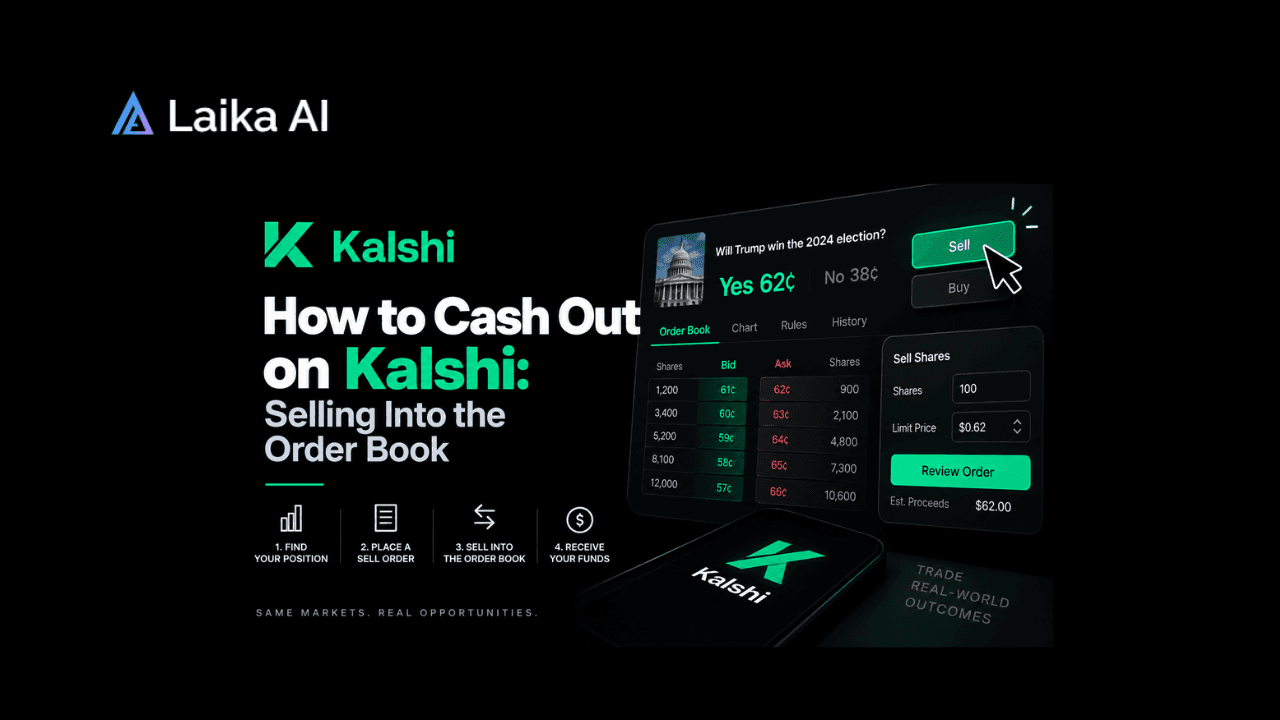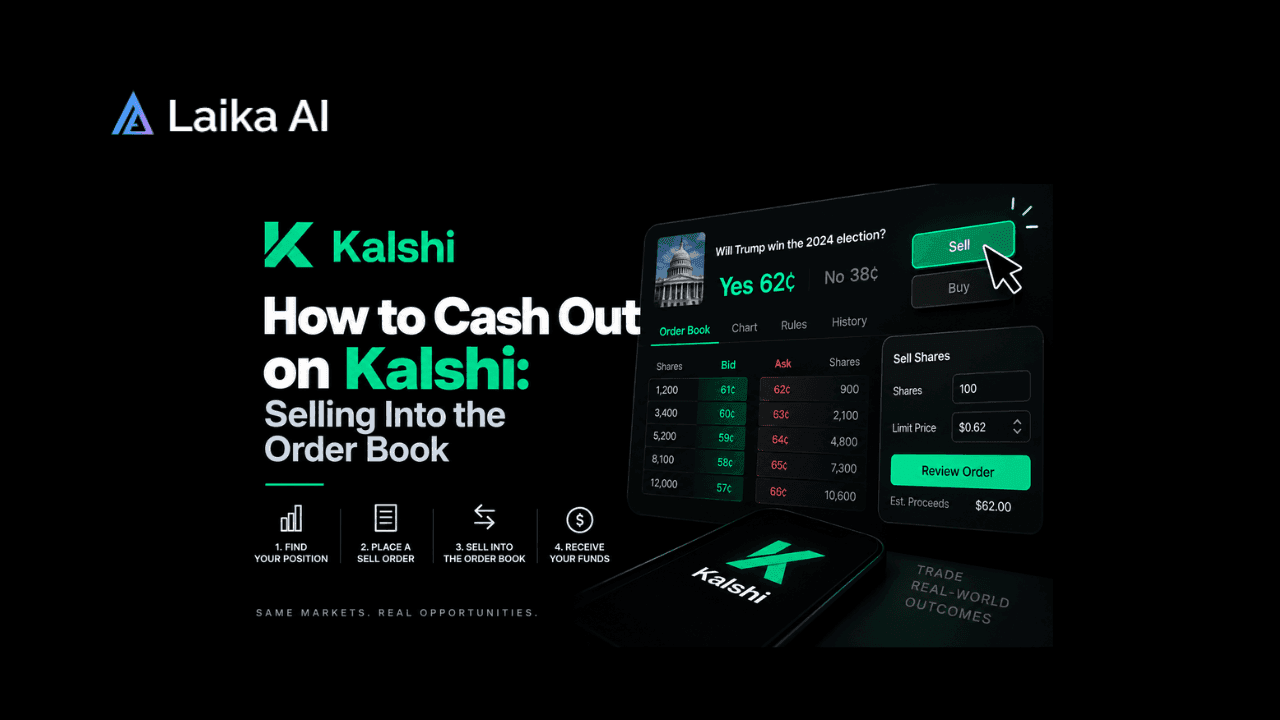
Cashing out on Kalshi is really two separate actions: selling your contract back into the order book at whatever price a buyer will pay, then withdrawing the resulting cash balance to your bank, card, or crypto wallet. There's no single "cash out" button that does both at once. The sale sets your price; the withdrawal moves the money. Understanding how to cash out on Kalshi means understanding those two mechanisms separately, because they run on different clocks and different rules.
You'll usually reach for this the moment a market moves in your favor before it resolves, or when you want out of a position that's going the wrong way. Say you bought "Yes" on a Fed rate decision at 40 cents and the market has since drifted to 65 cents; you don't have to wait for the Fed to actually meet. You can sell those shares right now, at whatever the order book will give you, and lock in the gain. The same logic runs in reverse if a market turns against you: selling early caps the loss instead of riding it to zero. Either way, the decision to sell is yours, made against a live, moving price.
How Does Kalshi Cash Out Work?
Selling starts with what you already hold: a position in "Yes" or "No" shares on a specific market. When you decide to exit, you place a sell order against that position, and Kalshi's order book tries to match it against a buyer on the other side. If a buyer is sitting at your price, the trade fills immediately, and the market resolves your position into cash at that price; you don't have to wait for the underlying event. If no one is currently willing to pay your price, your order sits on the book until a buyer meets it, or until you cancel or adjust it.
This is the part that surprises people used to sportsbooks: there's no house on the other end setting your cash-out value. The price is whatever the next willing buyer offers, which is why a thin market can leave you stuck below the price you want. Our team tracks live odds across 40 venues, updated hourly, since 2024, and the pattern holds everywhere prediction markets run on an order book instead of a bookmaker's line: liquidity, not sentiment, decides how fast and how well you can sell.
Once the sale fills, the proceeds land in your Kalshi account balance as cash. That balance is not automatically sent to your bank. Withdrawing it is a second, separate request: you choose a linked payout method bank transfer, debit card, or crypto and Kalshi routes the funds out from there. A standard bank withdrawal has no fees and no limits, and Kalshi's own help center puts the transfer at 3-4 business days to show up in your account. If the cash you're withdrawing traces back to a deposit you made recently, a security hold can also apply before it clears for withdrawal: 7 days if you're sending it to the same bank you deposited from, 30 days if you're sending it to a different one.
For a full walkthrough of how positions, pricing, and settlement work on the platform before you get to this stage, see How Does Kalshi Work? A Complete Beginner's Guide.
Key Terms Behind a Kalshi Cash Out
- Order book: the live list of buy and sell offers for a market's "Yes" and "No" shares. Your sell order gets matched against whichever buy order is closest to it.
- Limit order: a sell order that only fills at your chosen price or better. It protects your price but may not fill right away if no buyer meets it.
- Market order: a sell order that fills immediately against the best available price, whatever that happens to be. It trades certainty of execution for control over price.
- Settlement: what happens when a market resolves on its own, paying "Yes" or "No" holders based on the real-world outcome, instead of you exiting early through a sale.
- Withdrawal: the transfer of your Kalshi cash balance to an external account. This step is separate from selling and runs on its own timeline.
- Security hold: a temporary block Kalshi can place on recently deposited funds before they're eligible for withdrawal.
Selling Early vs. Letting a Market Resolve
The real choice a Kalshi position gives you is timing: sell into the order book before the event happens, or hold the contract through to settlement. The axis that separates them is certainty. Selling early trades a known, current price for the chance of a better outcome later; you take what the market offers now. Holding to resolution trades that certainty for the full payout if you're right, or nothing if you're wrong; the market itself, not a buyer, decides the final price.
For most positions, selling early is the more common move once a market has swung meaningfully in either direction, because it converts a live edge into cash without waiting on an outcome you can't control further. Holding to resolution makes more sense when you're confident in the outcome, and the order book's current price undervalues that confidence. Traders exploiting mispriced correlated markets, for instance, often hold rather than sell early. For more on that kind of approach, see Kalshi Prediction Market: 7 Strategies That Work in 2026.
"Wait, Doesn't Kalshi Just Pay Me When I Cash Out?"
A lot of first-time users treat "cash out" as one instant action, like tapping withdraw on a betting app and watching money appear. In Kalshi, it's two steps with two different mechanics: a market trade that sets your price, and a banking transfer that moves your money. Selling can happen in seconds if a buyer is there. The withdrawal that follows runs on a separate, slower schedule set by your payout method and Kalshi's processing, not by the market. Treating them as the same step is why people expect instant cash and get confused when the sale confirms, but the bank balance doesn't move yet.
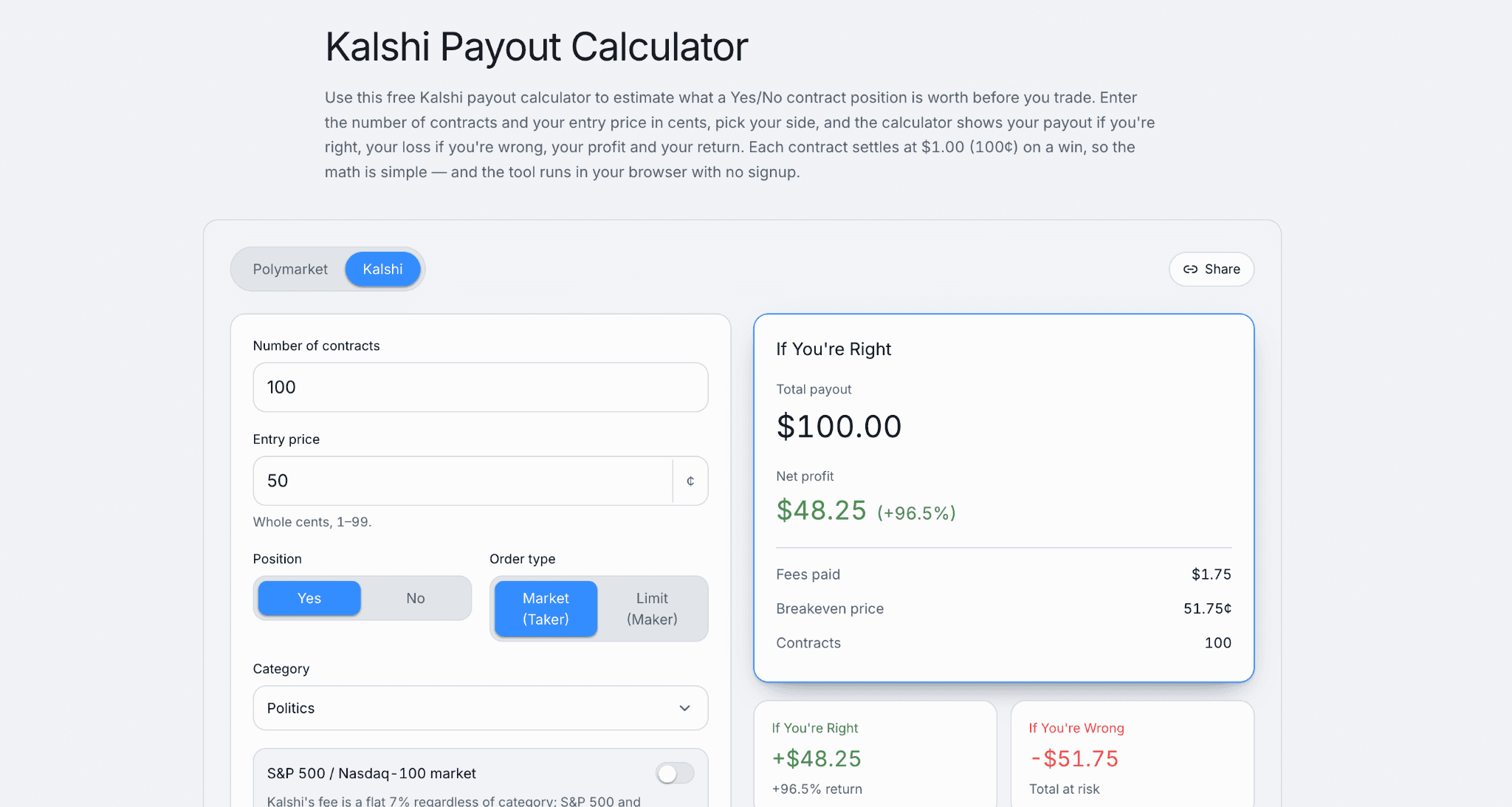
For calculating your profits before any trade, try our Kalshi Payout Calculator for free →
What Selling Into the Order Book Doesn't Guarantee
Selling early doesn't guarantee a specific price, or even a fill. A limit order only executes if a buyer meets it, and a thin or one-sided market can leave your order sitting unfilled while the price drifts away from you. A market order fills fast but accepts whatever the book offers, which can mean a worse price than you expected in an illiquid market. Selling also doesn't skip Kalshi's withdrawal process afterwards; cashing out of the position and getting cash in your bank remain two separate steps regardless of how quickly the sale itself fills. And if you're outside the US, one limit applies specifically to the last step: bank withdrawals aren't available for international accounts, which have to withdraw via debit card or crypto instead.For how these same order-book mechanics play out on a comparable platform, Read Polymarket Guide 2026: How Does It Work, Legality, and Strategies and Polymarket Sports Betting: Is It Legal and How Does It Work?
Frequently Asked Questions
Can you cash out early on Kalshi?
Yes. You can sell your "Yes" or "No" shares back into the order book at any point before the market resolves, as long as a buyer is willing to meet your price. This locks in a gain or caps a loss without waiting for the actual outcome.
How does Kalshi cash out actually work?
It's two steps: your sell order gets matched against a buyer in the order book, turning your position into a cash balance at the traded price, and then you separately request a withdrawal to move that cash to your bank, card, or crypto wallet. A bank withdrawal is free with no limits and takes 3-4 business days to arrive, per Kalshi's own help documentation.
How do I sell a position on Kalshi?
Open the market you're holding, choose to sell, and set either a limit price or a market order. A limit order fills only at your price or better; a market order fills immediately at the best price currently on the book.
How do I sell on the Kalshi app specifically?
The mechanism is the same as on desktop: find your open position, tap sell, and choose a limit or market order. The order book and matching process behind it don't change based on which device you're using.
Can I sell a Kalshi position before the market resolves?
Yes, that's the entire point of selling into the order book rather than waiting for settlement. As long as your market hasn't closed for trading and a buyer meets your price, the sale can happen at any point beforehand.
What to Do With This
Once you know a Kalshi cash out is really a sale followed by a withdrawal, you can plan around both clocks separately: watch the order book for your price on the way out, and expect the bank transfer to take its own 3-4 business days after that, longer if a security hold applies to a recent deposit. If a bank withdrawal doesn't land, Kalshi's process is to have you contact your bank or card issuer with the amount, date, and reference or trace ID so they can locate it. If the transfer can't be completed, the funds return to your Kalshi balance, and you can withdraw again. Venmo users should also know that Venmo has to be linked through the deposit flow first, even if you never deposit, before it shows up as a withdrawal option.